BlogTessera
I stopped rearranging windows on my Mac (without writing a single line of config)
macOS already tiles windows, but one at a time and by hand. What's built in, what tiling window managers offer, and how to get automatic tiling from minute one.
By Roberto Ríos5 min read
The short answer. For putting two windows side by side now and then, macOS 15 is enough: drag a window to the edge with ⌥ held down. If you spend your day rearranging, what you want is a tiling window manager. yabai, AeroSpace and Amethyst give you lots of control; Tessera (free, in alpha, I made it) works with nothing to configure.
You open your editor. The browser next to it. A terminal, which covers half the browser. You drag it, make it narrower, and now the editor has an odd gap on its right. You fix that. You open a PDF. Back to square one.
Each round takes a few seconds, so nobody times it. But it happens dozens of times a day, and every time it pulls you out of what you were doing to lay out your own screen.
Why this happens
macOS works with floating windows: each one has whatever position and size you give it, and none of them knows about the others. It's flexible, and plenty of people prefer it. The price is that you maintain the layout: every new window appears wherever it likes, and every resize leaves gaps or overlaps.
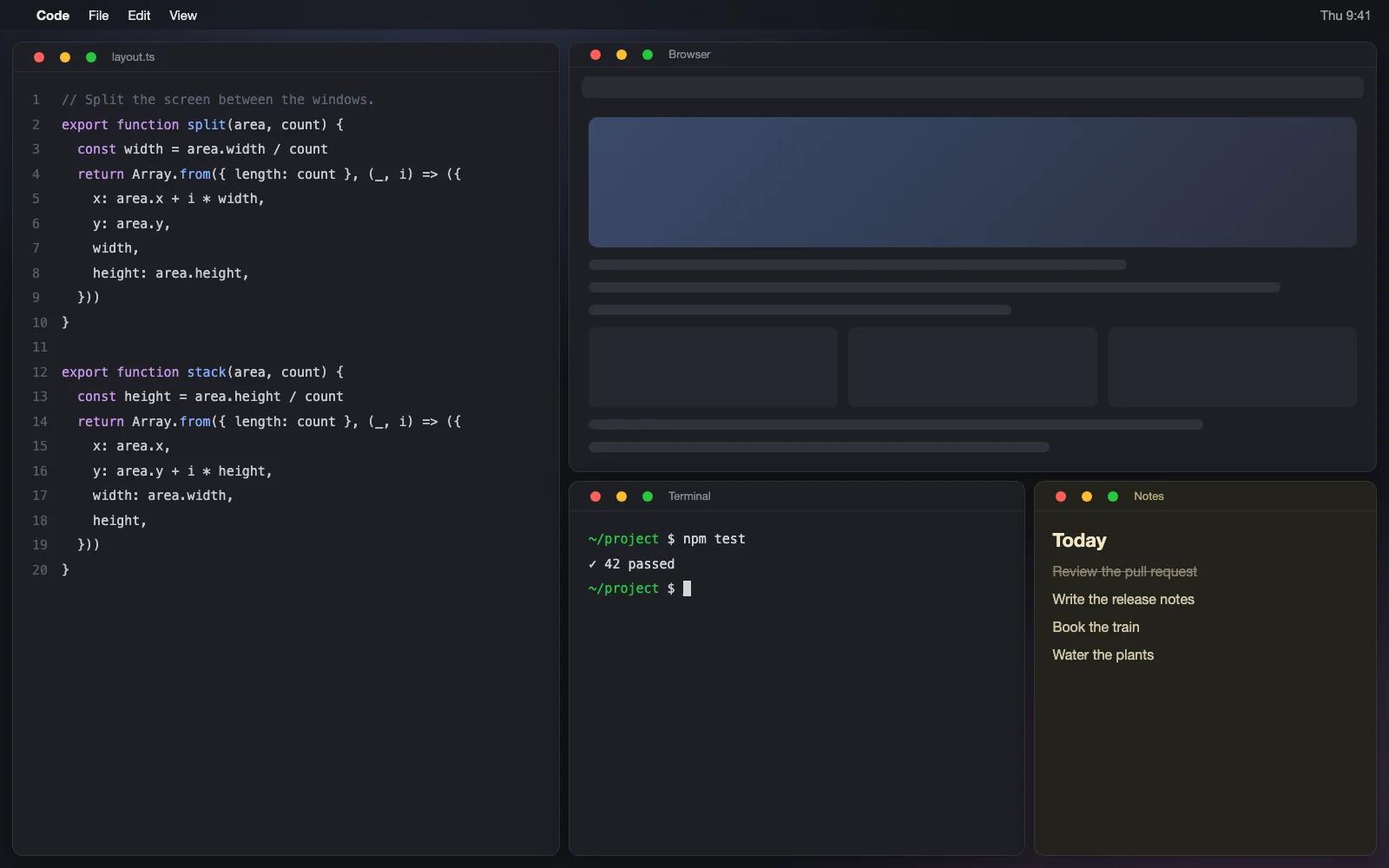
The opposite is tiling: windows share the screen with no gaps and no overlaps, and when you open or close one, the rest rearrange themselves. It's the norm on Linux, and people have been asking for it on the Mac for years.
What your Mac already does
Since macOS 15 (Sequoia) there's basic tiling built in:
- Drag a window to the edge and it snaps to that half or quarter. Hold ⌥ while dragging to see where it will land.
- Window menu → Move & Resize offers the same arrangements, with keyboard shortcuts.
For two windows side by side now and then, that's plenty. What it doesn't do is the thing that defines a tiling manager: it's manual. Opening a third window doesn't share out the space, and narrowing one doesn't adjust its neighbour. You're still the one keeping things tidy, just with better tools.
The alternatives (and who each one is for)
Real tiling window managers have existed on macOS for years. The best known are yabai, AeroSpace and Amethyst, and all three have very happy users. Broadly, they give you lots of control: configurable layout models, per-app rules, integration with other automation tools.
If you enjoy tuning your setup, give them a go. If you just want to open windows and have them land in the right place without first studying how to configure a window manager, read on.
The gap: working with no config, and no holes
What I wanted was easy to say and hard to build: automatic tiling that works well from the first launch, with nothing to configure, and that never leaves holes.
That last part is the hard one. When a window manager asks a window to "fill this rectangle", plenty of apps don't fully comply: they have a minimum size, they only accept sizes on a grid (terminals grow by whole rows and columns), or they simply resist. The manager believes it placed the window, and on screen you get an empty strip or an overlap.
The fix I built myself: Tessera
That's why I built Tessera, a tiling window manager for macOS. Free, open source and in alpha: I use it every day, and below I spell out what it does and doesn't do.
You install it, grant the Accessibility permission, and it starts tiling. Everything has a sensible default; there is a config file, but it's optional and only matters if you want to change gaps or exclude an app.
This is how the tiling behaves:
It measures instead of assuming. After placing each window, Tessera reads back the frame macOS actually drew and compares it with what it asked for. If an app resisted, it notices and solves the layout again. When an app rejects the same size twice, Tessera learns its minimum or maximum and remembers it for 30 days, so next time it gets it right first time. And if an app insists on staying a few points smaller, as terminals do when they grow in whole rows, Tessera respects its size instead of fighting it in a loop.
With the mouse, as always. You don't need any shortcuts to start:
- Drop one window onto another and they swap places. The target lights up before you let go.
- Resize one and its neighbour adapts.
- Dialogs and panels float on their own, as you'd expect.
With the keyboard, when you want to go faster. Every shortcut starts with ⌃⌥. Hold them for a moment and Tessera shows you the full map, so there's nothing to memorise:
It gets along with macOS. It doesn't fight the system or other managers (AeroSpace, yabai, Amethyst): when one is on, it steps aside.
It doesn't leave windows hidden. In some layouts, such as maximised, Tessera moves windows out of view, but it writes each one down first. When you quit, it brings them all back, and if it closes unexpectedly, it recovers them on the next launch.
Only the permissions it needs. A window manager touches every app you use, so this matters:
What it doesn't do (yet)
- It's in alpha. I use it daily, but it's young software.
- It only tiles the main display. If you have several monitors, the others are left as they are.
- It doesn't move windows between desktops from the keyboard. macOS offers no way to do that without disabling SIP, and Tessera doesn't ask you to: to send a window to another desktop, drag it as usual.
- To jump between desktops with ⌃⌥1…9 it needs macOS's "Switch to Desktop N" shortcuts turned on (System Settings → Keyboard → Keyboard Shortcuts → Mission Control), which are off by default. If they aren't, Tessera tells you.
- It needs macOS 15.2 or later. It runs on Apple Silicon and Intel.
- It isn't trying to replace the highly configurable managers. If you need per-app rules or custom layouts, yabai or AeroSpace will give you more control.
If you only put two windows side by side once in a while, what macOS has offered since Sequoia is probably plenty: try dragging with ⌥ held down. If you spend your day rearranging, automatic tiling changes how you work, and Tessera is my attempt to make getting there take one minute: tessera.rrios.dev.